
If you think integrating AI into an app requires a PhD, a team of engineers, and thousands of dollars…
Good news: it doesn’t.
Today, AI is accessible, affordable, and beginner-friendly.
I’ve integrated AI features into apps using tools like ChatGPT, Gemini, Firebase ML, and open-source libraries — and in this guide, I’ll show you exactly how you can do it too, even if you’re not an expert.
Let’s break everything down in the simplest, most practical way possible.
✅ What AI Integration Actually Means (In Simple Words)
AI integration means adding features that allow your app to think, analyze, predict, or generate content — just like a smart assistant.
Examples:
- An app that recognizes images
- A chatbot inside your app
- A text generator
- A recommendation system
- A voice-to-text converter
- A language translator
You’re not “building AI from scratch.”
You’re simply connecting your app to an AI model via API or SDK.
✅ Step-by-Step: How to Integrate AI Into Your Application

Step 1: Decide What AI Feature You Want
Start simple.
Ask yourself:
- What problem will AI solve in my app?
- What feature will make my user’s life easier?
- Can AI automate something inside my app?
Some beginner-friendly AI features:
✔ AI chatbot
✔ Text generation (summaries, replies, content)
✔ Image recognition
✔ Voice commands
✔ Text translation
✔ Recommendation engine
✔ Sentiment analysis
✔ AI search
Pick ONE feature for your first version.
Step 2: Choose the Right AI Tool or Model
Here are the easiest options depending on what you want:
🧠 1. Chat or Text Generation (ChatGPT-like features)
Use:
- OpenAI API
- Google Gemini API
- Groq (for faster responses)
These are best for:
- Chatbots
- Summaries
- Instructions
- Writing help
- Code help
🖼 2. Image Recognition / Object Detection
Use:
- Google ML Kit
- Firebase ML
- TensorFlow Lite (for offline AI)
Good for:
- Scanning documents
- Detecting objects
- Barcode reading
- OCR (extracting text from photos)
🔊 3. Speech to Text / Voice Commands
Use:
- Google Speech API
- Whisper API
- Android SpeechRecognizer
Great for:
- Voice notes
- Commands
- Transcription apps
🌍 4. Text Translation
Use:
- Google Translate API
- ML Kit Translation
🧩 5. Recommendations (Netflix-like suggestions)
Use:
- TensorFlow Lite
- Custom trained models
- Firebase Predictions
Step 3: Set Up the API in Your App
Almost all AI tools follow the same process:
- Sign up on the platform (OpenAI, Gemini, Firebase, etc.)
- Get your API Key
- Add it to your app (securely)
- Send user data → receive AI output
- Show results in your UI
Example (simple flow):
User Input → API Request → AI Processes → API Response → Show in App
That’s it.
Step 4: Build the UI for Your AI Feature
Your UI should be:
- Simple
- Clean
- Focused on the AI task
Examples:
For a chatbot:
- Text box
- Send button
- Response area
For an AI image detector:
- Upload button
- Camera button
- Result box
For a translator:
- Input box
- Output box
- Language dropdown
Keep it user-first — Google loves simple, clear design.
Step 5: Test With Real Data
AI features need testing more than normal ones.
Check:
- Response time
- Accuracy
- Errors
- Network behavior
- Edge cases (blank messages, wrong images, invalid inputs)
Testing improves reliability and user trust.
Step 6: Add Safety & Usage Limits (Very Important)
AI can sometimes behave unpredictably.
Add safe practices like:
✔ character limits
✔ input validation
✔ content filtering
✔ proper error messages
✔ API usage limits
✔ fallback responses
This protects your app AND gives a better user experience.
Step 7: Optimize for Speed & Cost
AI calls can get expensive if not optimized.
Tips:
- Cache responses
- Use smaller models when possible
- Process data locally (ML Kit, TFLite)
- Reduce API calls
- Batch user requests
Smart optimization = low costs + faster app.
🎯 Examples of Apps You Can Build With AI
Here are beginner-friendly ideas that AI makes easy:
⭐ AI Note Taker
⭐ AI Language Translator
⭐ AI Story Generator
⭐ AI Travel Planner
⭐ AI Fitness Coach
⭐ AI Expense Categorizer
⭐ AI Code Helper
⭐ AI Voice Assistant
⭐ AI Study Helper
⭐ AI Document Scanner
These are simple to build yet highly profitable niches.
🔧 Best Tools for AI Integration (2025 Updated)
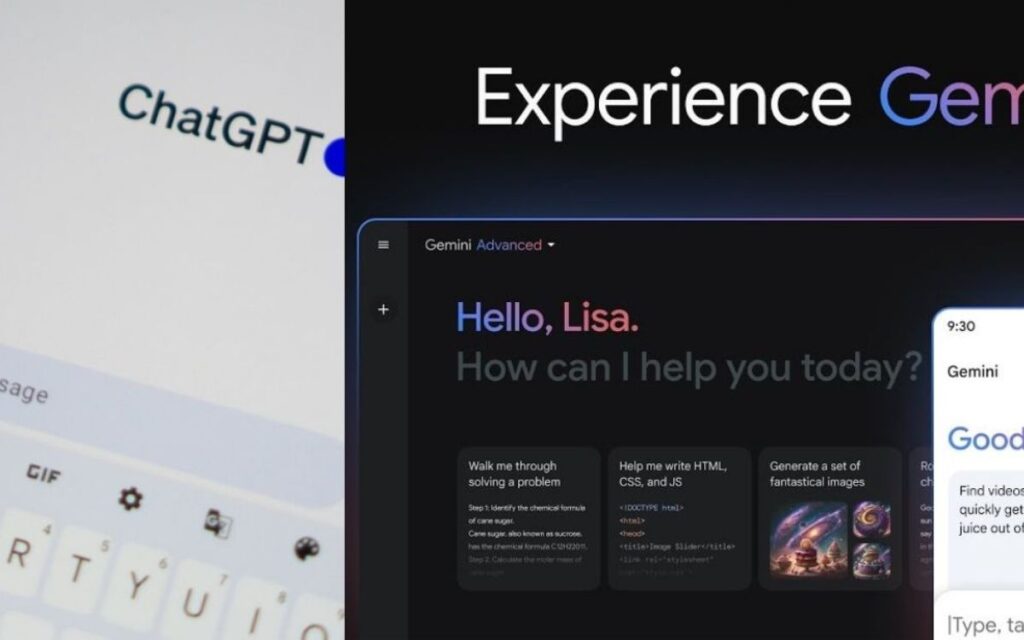
1. OpenAI API (ChatGPT models)
Best for text generation, chatbots, assistants.
2. Google Gemini API
Great for multimodal tasks (text + image).
3. Firebase ML Kit
Perfect for offline & mobile AI.
4. TensorFlow Lite
For custom models running directly on devices.
5. HuggingFace
Huge library of free AI models.
6. LangChain
Helps with building larger AI workflows.
❗ Is It Difficult to Integrate AI?
No — not anymore.
Today, you don’t need:
❌ complex math
❌ deep AI knowledge
❌ expensive servers
❌ huge datasets
You just plug in APIs, build simple UI, and test.
✅ Final Answer: How to Integrate AI in Your Application
You integrate AI by:
✔ Choosing your AI feature
✔ Picking the right AI tool
✔ Connecting your app to the AI model using API
✔ Designing a simple UI
✔ Testing with real inputs
✔ Adding safety + optimization
✔ Releasing and improving based on user feedback
With today’s tools, anyone — beginner or developer — can integrate AI into apps faster than ever.